iLoader 简化 iOS 测载
最近看番想重新把 iPad 用起来,所以想要测载 Animeko,因为总是忘记刷新, iPad 上面的 Sideloader 早就过期了。这周发现去年社区新出现的一个工具, https://github.com/nab138/iloader 可以大大减少操作步骤。
过程中遇到的问题
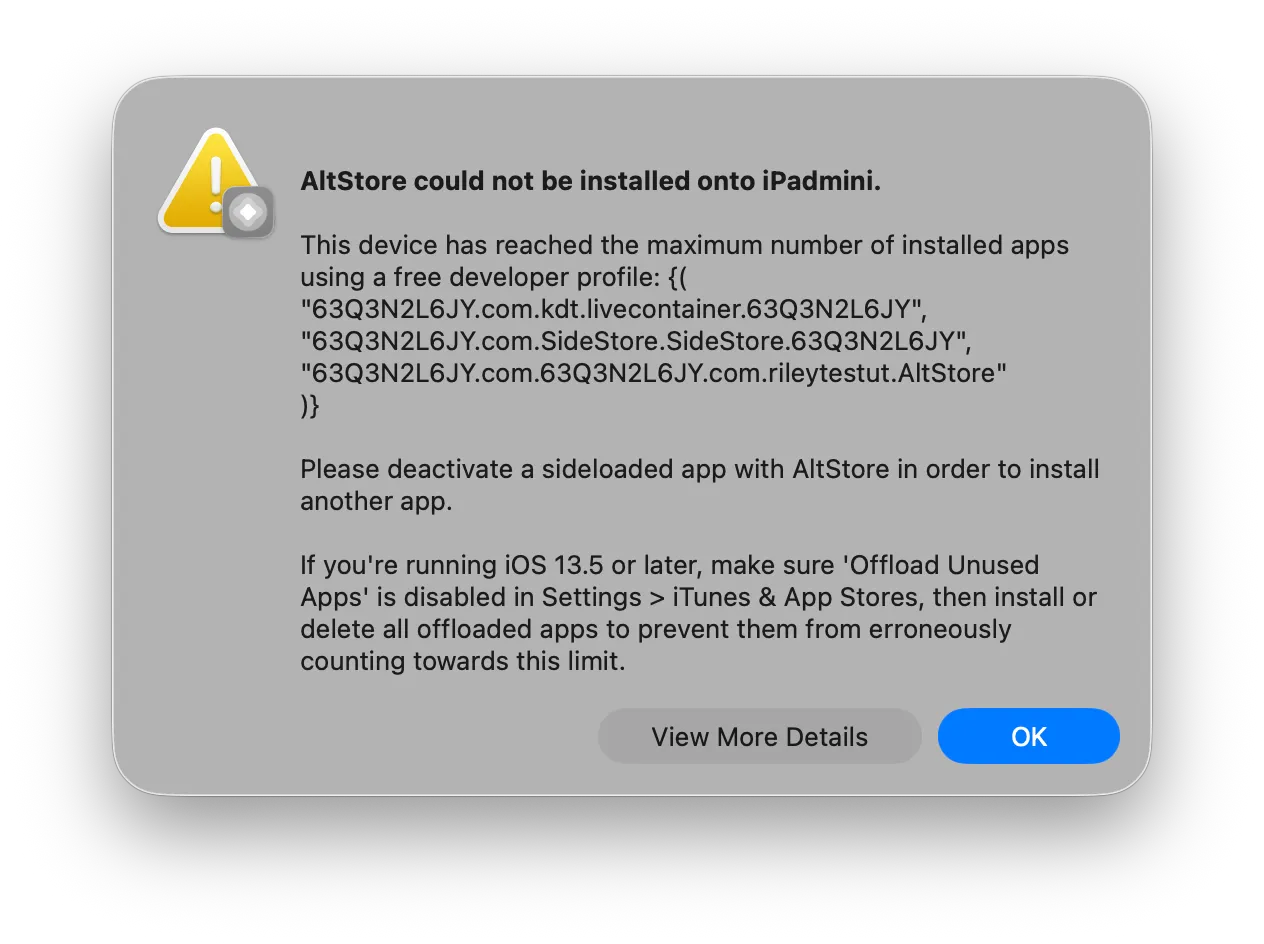
一开始,我还是新车熟路,准备用 Altserver 那一套,于是连接 USB 重新安装一遍 altserver,并卸载 Sideload,因为一次性只能测载 3 个应用:
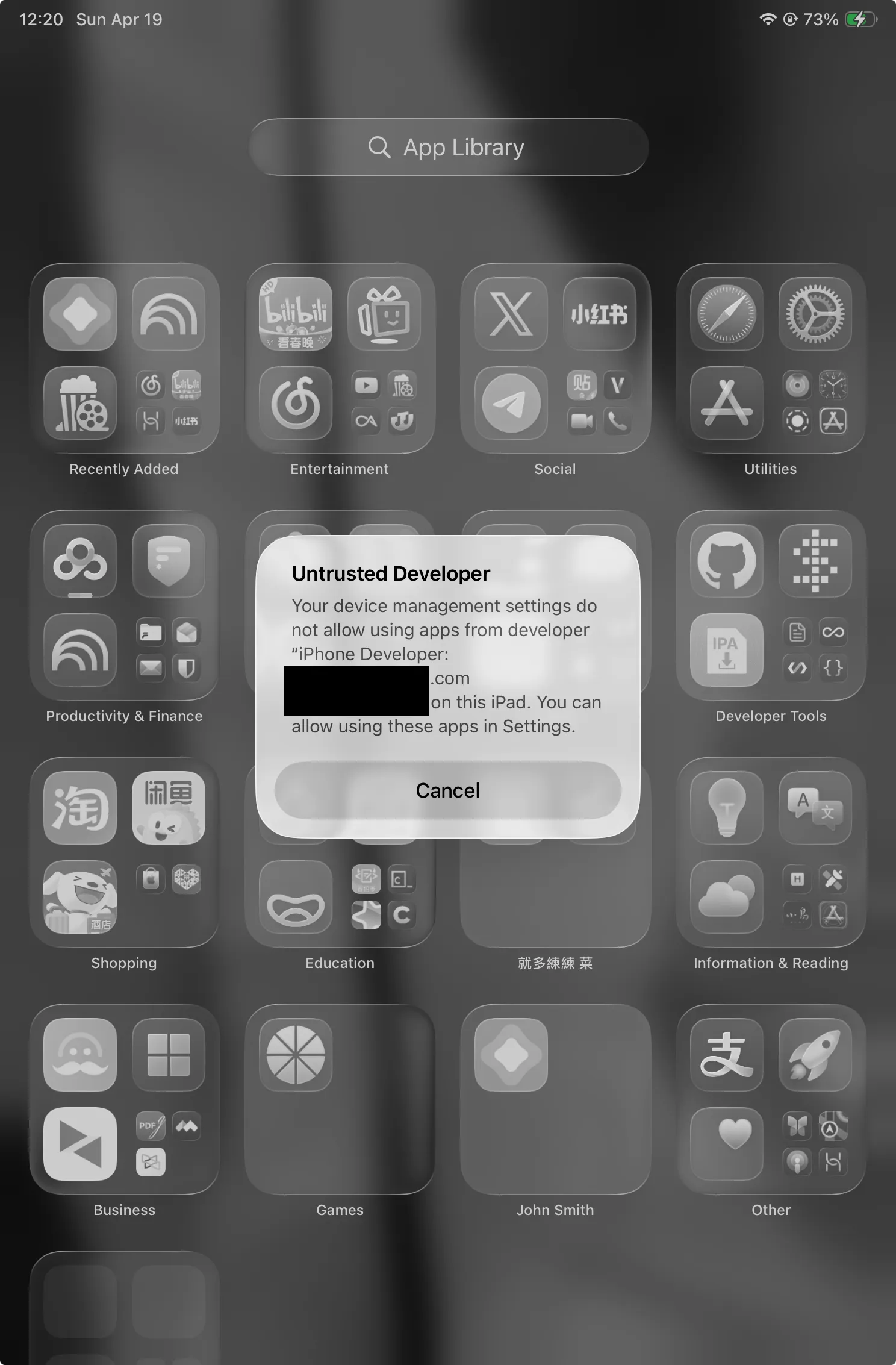
自从我去年切换美区 ID 之后,我就换账号了,所以需要重新去设置 General > VPN & Decice Management > Developer 里面重新 Trust 一遍自己
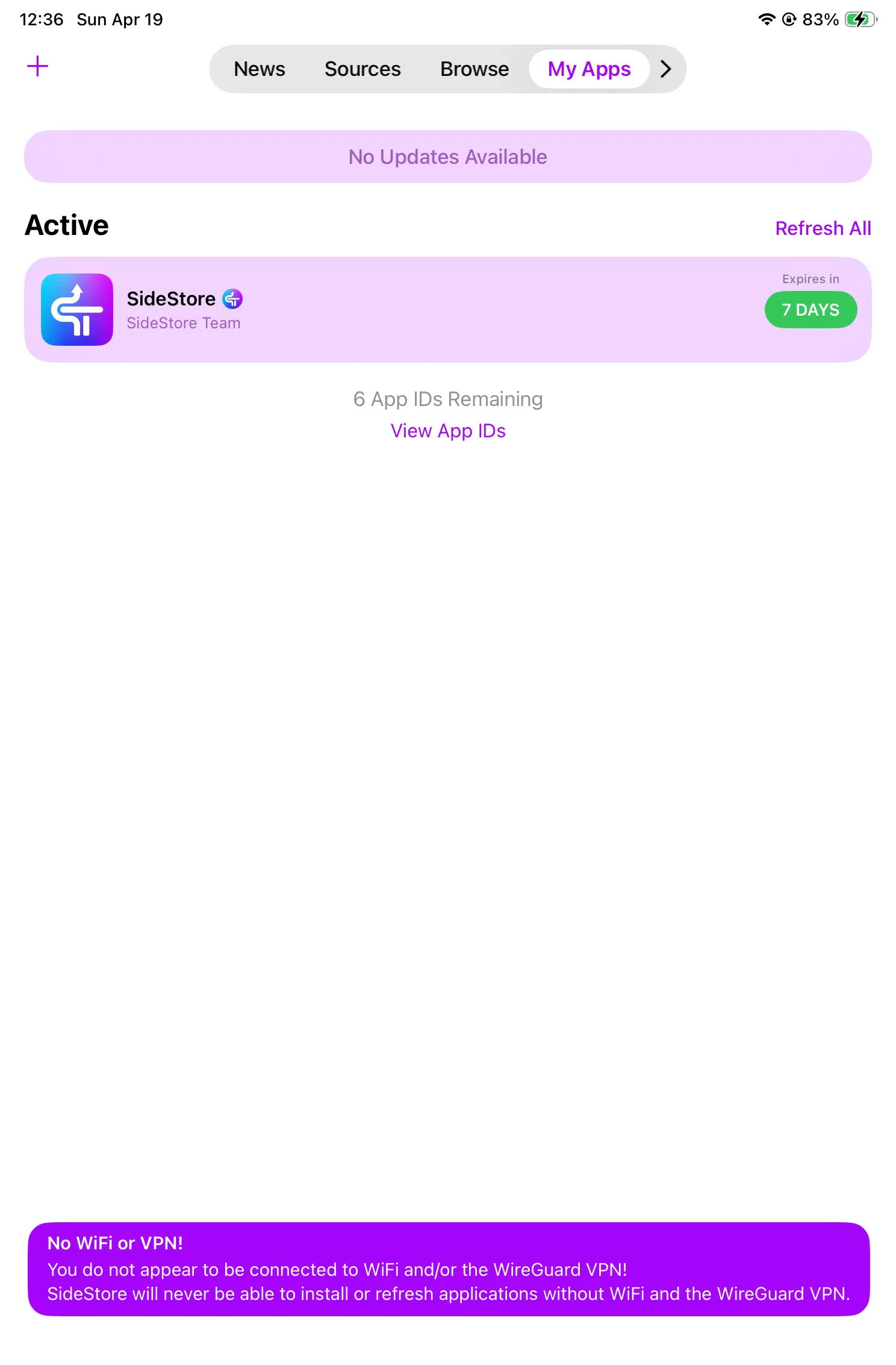
接着,去 AltServer 里面重新安装一遍 SideStore,启动,但是遇到一个最大的问题,就是刷新不了,配置文件总是提示非法:
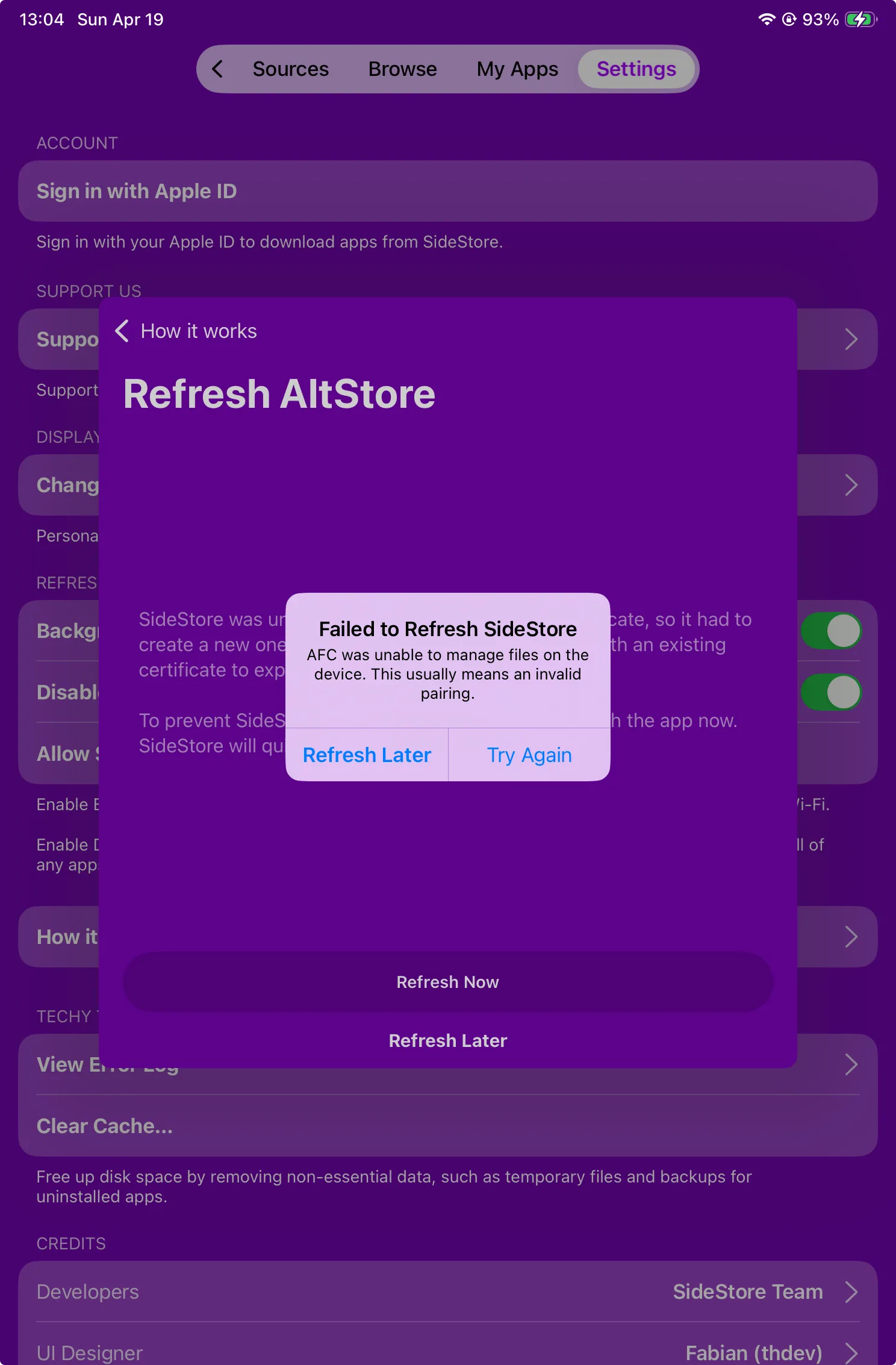
就算到设置里面 Reset Paring FIle,然后打开 Jitterbug.app 重新拿 Paring 文件,依然没用,还会报错:AFC not unable to manage files on the devices
翻了几个社区的帖子,重启、卸载,重新拿 pairing 文件,都试过了,发现没卵用:
- https://github.com/orgs/SideStore/discussions/1073
- https://github.com/SideStore/SideStore/issues/156
- https://github.com/SideStore/SideStore/issues/695
- https://github.com/SideStore/SideStore/issues/620
- https://www.reddit.com/r/AltStore/comments/1es0xj6/no_wifi_or_vpn/
然后从 Sidestore 官方说明里找到了如何替换 Pairing File 的方法 1
替换配对文件
Your pairing file may expire and need to be reimported if you update or reset your iPhone, iPad, or iPod touch. This also occurs at random times. This is Apple’s fault and there is nothing we can do to fix it. This guide instructs you how to manually replace your pairing file with iloader.
原来配对文件会随机过期,但无论我用 Jitterbug.app 获取多少次配对文件,似乎都一样。
无奈,只能抱着试试心态下载了一下试试,发现可以一键安装 Sideloader 并且添加 pairing 文件!
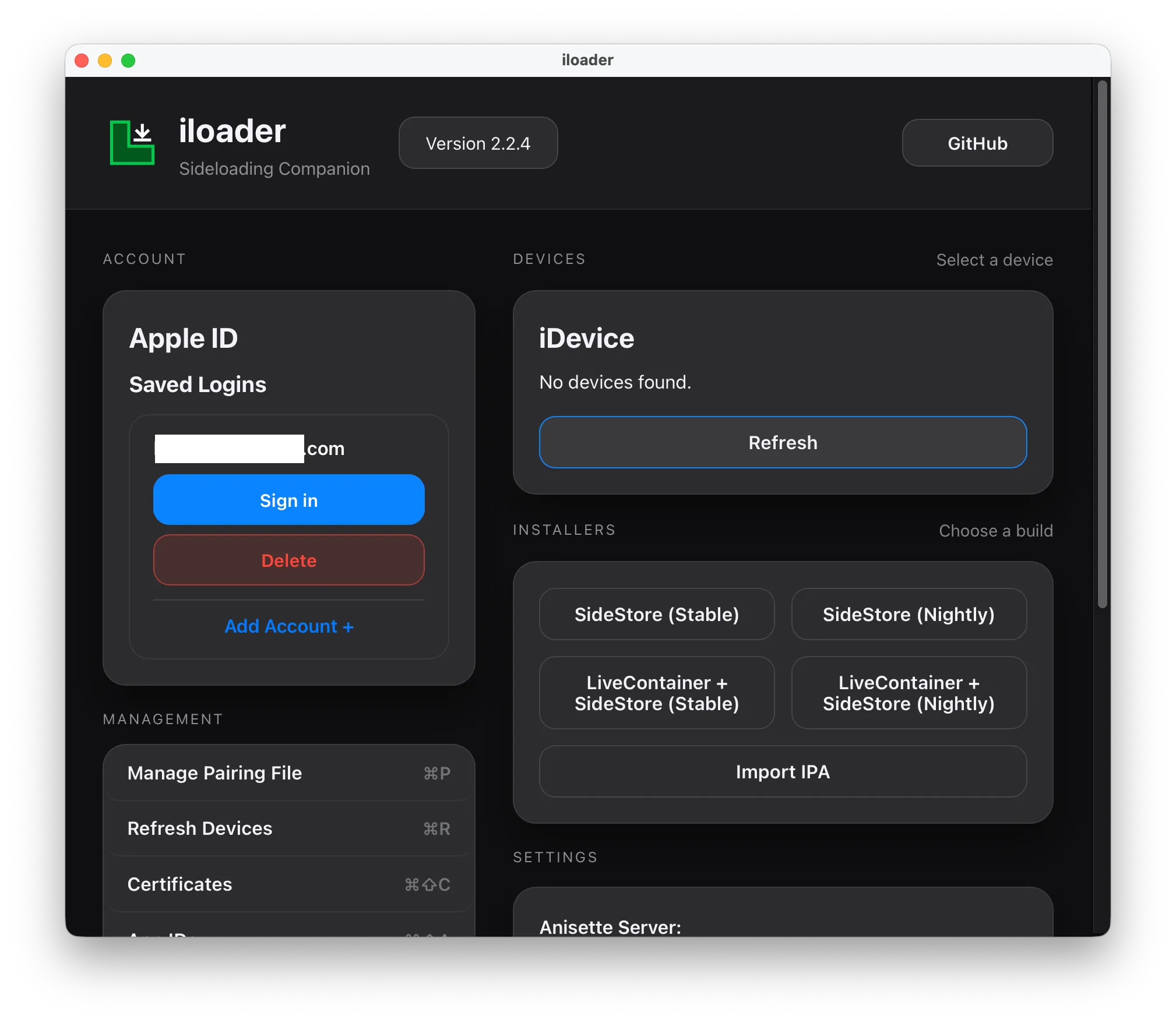
操作异常简单,USB 连接电脑,登陆 Apple 账户,点两下 Install 的按钮即可成功测载!
Failed to get pairing record for device: unexpected response from device: missing PairRecordData in pair record response
-
https://docs.sidestore.io/docs/advanced/pairing-file ↩