Telegram message sync bot
Notice / 说明
This page is a historical snapshot preserved for archival purposes only. It is no longer maintained, and we take no responsibility for its content. This page exists solely to reduce dead links on the internet.
本页面为历史快照,仅供存档备份,不再更新,亦不对其内容负责。保留此页面的唯一目的是减少互联网死链。
Repo Meta



Why
過去用 logseq 一直搭配用一款插件 — logseq-inbox-telegram-plugin,用於摘取 TG 上轉發的內容。說不上好用 1,後來我自己 Fork 了 一份,對主要特性修改了一些,即使仍然缺乏對超鏈接的支持,但也順手了很多。
可是問題仍然存在,爲了在小主機上運行這個服務,必須後臺同時跑一個 Logseq,要知道,Electron 可不是什麼好東西。加上小主機默認沒有屏幕,在啓動這類 GUI 軟件的時候,必須添加 DISPLAY 環境變量,如下:
Environment=DISPLAY=:0
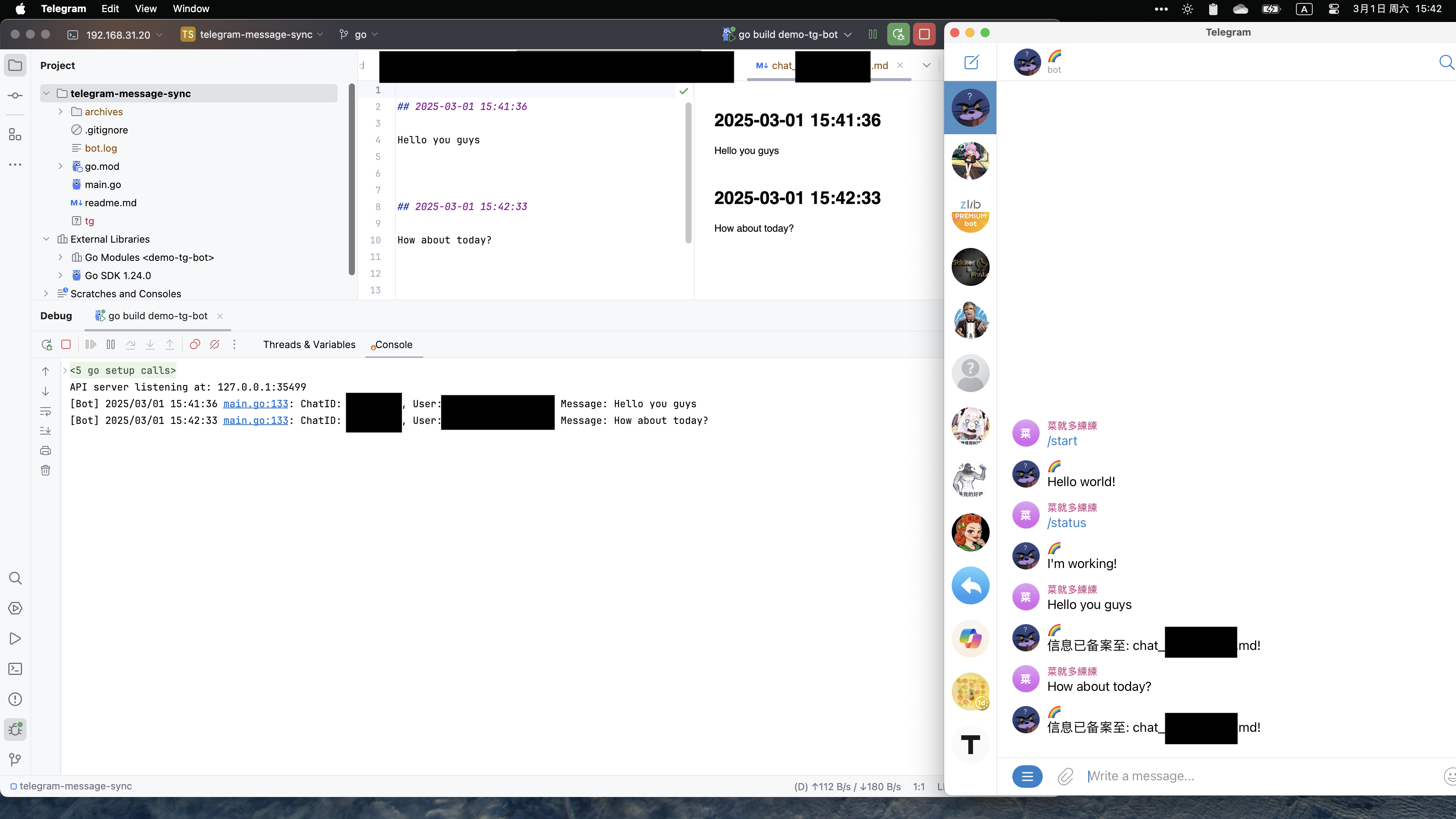
總免得有些畫蛇添足,說不上優雅。所以這個項目應運而生,我需要長時間地利用 TG bot 監聽我的頻道,對頻道的信息進行歸檔。
Quick start
# install dependencies
go mod tidy

# build the result
go build -o tg main.go

# give the right to run.
chmod +x ./tg

# run bot
./tg sync -t TG_BOT_TOKEN
Optional: run in background using nohup
nohup ./tg sync -t 58833029:AAFCI0jiHU1zDaL2p3HaRWaU > bot.log 2>&1 &

# kill background
pkill -f tg
Optional: run in background using nohup
sudo vim /lib/systemd/system/tg@.service
Add following config:
[Unit]
Description=tg message sync bot for %i.
After=network.target

[Service]
Type=simple
User=%i
Restart=on-abort
Environment=http_proxy=192.168.31.20:10800
Environment=https_proxy=192.168.31.20:10800
ExecStart=/home/bgzo/workspaces/telegram-message-sync/tg sync -t 58833029:AAFCI0jiHU1zDaL2p3HaRWaU -o /home/bgzo/workspaces/telegram-message-sync/archives

[Install]
# WantedBy=multi-user.target
WantedBy=graphical-session.target
Then restart systemd and enable -
systemctl daemon-reload
systenctl start tg@bgzo
systenctl enable tg@bgzo
Features
- 狀態檢測
- 後臺運行
- 日誌支持
- 按頻道來源進行歸檔
- 超文本格式支持
- EMOJI 特殊處理
- 存檔反饋
- Dockerfile
- 更多消息格式支持(下劃線/加粗文本)
- 持久化內容
- 支持時間排序/倒敘
- 輸出 MD YAML header
- 支持自定義模板
-
無法格式化文字超鏈接,無法讀取圖片的字幕,結合 logseq 的 API 的特性,插件一直無法對含
tg@username的消息進行處理,並且無法轉發頻道的信息,必須是經過認證人的消息纔會被存檔。 ↩